
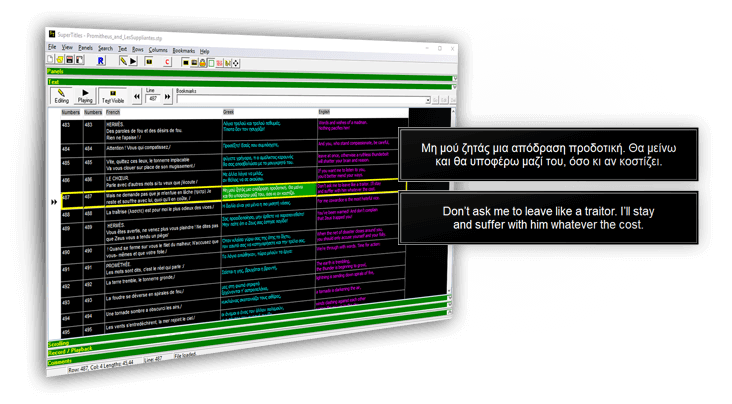
Supertitles.gr is a surtitles projecting software! As a software that's all it does... But it's done in the best possible way! With a lot of years of experience and a big set of features it is considered as one of the leading software for it’s purpose.
read moreSupertitles.gr is also a surtitles projecting set of services. Supposed you don’t have the knowledge, time, personnel or money to offer the best surtitles experience to your audience for your event, or for a set of events (if you represent a festival), our company and group of partners can offer to you all the services you need.
read moreSurtitles in our days, are not only needed for foreign languages performances. They are also needed for to present native language support to people with hearing problems, or to tourists visiting your country, or even foregin languages learning students.
read more
Greek English